Prevent Fake Leads: 12 Ways to Stop Spam Forms
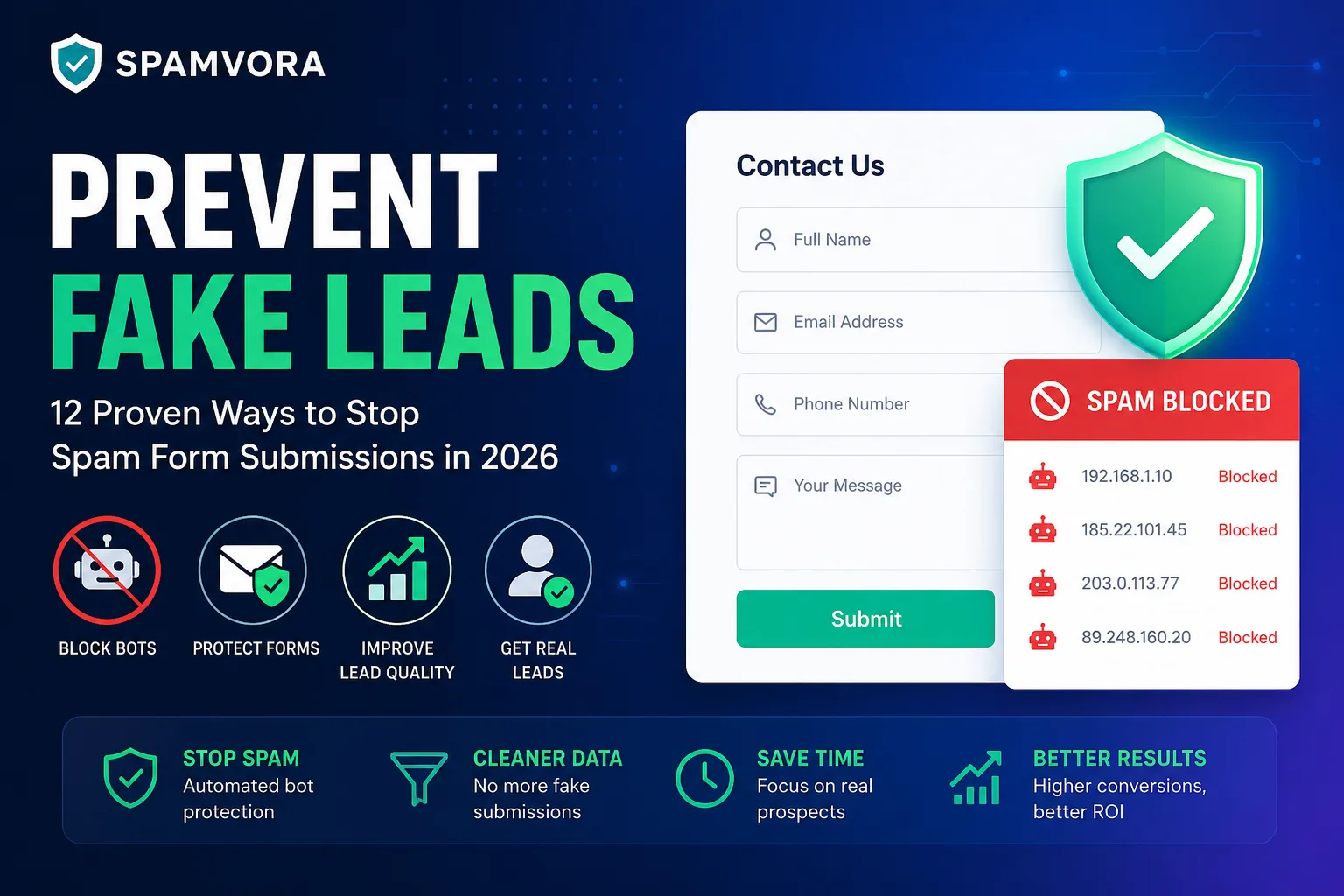
How to Prevent Fake Leads: 12 Proven Ways to Stop Spam Form Submissions in 2026
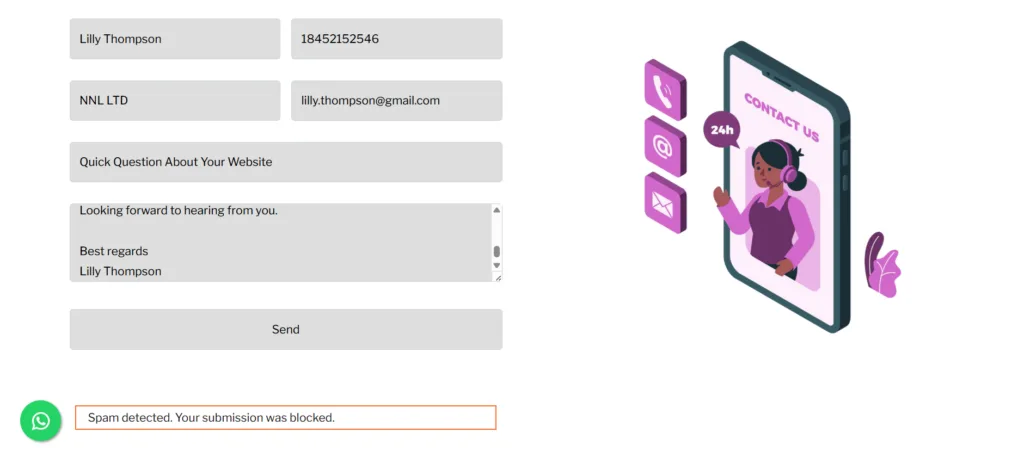
A few years ago I was checking form submissions on a client’s WordPress site and noticed something odd — a “lead” with the name “asdf asdf,” an email that was just random letters, and a phone number that was all zeros. I deleted it and moved on. Then it happened again the next day. And the day after that, half the inbox was junk like this.
If that sounds familiar, you’re dealing with the same problem that eventually got me building spam-filtering tools for a living. Fake leads aren’t rare anymore — they’re the default state of an unprotected contact form in 2026. Bots, click farms, and now AI agents are all competing to fill your pipeline with noise, and most of the advice out there is written for people running Facebook ad campaigns, not for someone who just wants their WordPress or Shopify contact form to stop collecting garbage.
This guide is the one I wish existed when I started dealing with this: what fake leads actually are, why they’ve gotten so much worse this year, the warning signs to watch for, and 12 methods — from free and simple to fully automated — that actually work to prevent fake leads.
What Are Fake Leads, Exactly?
A fake lead is any form submission that doesn’t come from a real, interested person. Sometimes it’s a bot filling out your form hundreds of times an hour. Sometimes it’s a human being paid a few cents per submission in a click farm. Occasionally it’s a competitor trying to burn your ad budget, or a real visitor who just doesn’t want to give you their actual phone number. Whatever the source, a fake lead looks convincing enough at first glance, wastes someone’s time chasing it, and never turns into a customer.
Why You’re Seeing More of These Right Now
I don’t think this is a coincidence or a bad month. A few things happened at once in 2026 that made contact form spam worse across the board:
- Bots are no longer the minority. Imperva’s 2026 Bad Bot Report found bad bots made up 40% of all internet traffic in 2025, up from 37% the year before — and automated traffic overall crossed 53% of the entire web.
- AI made bots much better at pretending to be human. The same report found AI-enabled bot attacks — the kind that write believable-sounding form answers instead of gibberish — jumped more than 12x year-over-year.
- WordPress sites get hit harder than most. Because platforms like WordPress expose predictable form endpoints, industry data shows these sites take several times more bad bot traffic per page than static websites. If you’re running Contact Form 7, WPForms, Gravity Forms, or Elementor Forms, you’re a bigger target than you might think.
- Fraud is now a line item, not a nuisance. Global ad fraud losses are projected to pass $100 billion in 2026, and researchers estimate close to 30% of leads bought from third-party vendors are outright fake.
This is genuinely the reason I ended up building Spamvora — I kept seeing the same pattern across client sites and got tired of manually cleaning out CRMs every week.
What Fake Leads Actually Cost You
It’s easy to shrug off a spam submission as a two-second annoyance. The numbers tell a different story.
| Impact | Reported Figure | Source |
|---|---|---|
| Hidden cost per bad lead (SDR time, CRM, follow-up) | $308–$1,200+ | MarketJoy, 2026 |
| Ad budget affected by fraud | Up to 51.8% | Spider AF |
| Average B2B cost per lead in 2026 | ~$213–$274 | HubSpot / Demand Gen Report, Gainsight & Pavilion |
| Third-party leads that are fraudulent | ~30% | Industry fraud research, 2026 |
| Digital ad spend lost to fraud annually | Up to 22% | Industry fraud research, 2026 |
There’s a compounding problem here too. If your ad platform’s automated bidding treats every form fill as a “conversion,” it learns to chase more of the same bot traffic that’s already wasting your budget. The longer bad leads go unflagged, the more expensive the mistake gets.
9 Warning Signs of a Fake Lead
Before you can stop these, it helps to know what one looks like in the wild:
- Form filled out in under 3–5 seconds — too fast for a human to actually read it
- Emails with random character strings, like “xkq392@domain.com“
- Phone numbers with obvious patterns (000-0000, 123-4567)
- Every dropdown answer is whatever option came first
- Message field is blank, copy-pasted, or has nothing to do with your business
- A sudden spike in submissions from one IP range or a country you don’t serve
- Near-identical entries a few minutes apart
- Submissions at 3 a.m. with zero matching browsing activity
- You call the person and they have no idea what you’re talking about
12 Proven Ways to Prevent Fake Leads
1. Add a Honeypot Field
This one’s free and it works better than it has any right to. You add a form field that’s hidden from real visitors with CSS, but visible to bots scanning your page’s code. Humans never see it; bots almost always fill it in anyway. Any submission with that field filled gets quietly discarded. It’s the first layer I’d add to literally any form.
2. Track Submission Velocity
Cap how many times a form can be submitted from the same IP or session in a short window. A real person doesn’t submit your contact form five times in sixty seconds — a script does. This alone catches a surprising amount of the low-effort spam.
3. Swap Traditional CAPTCHA for Invisible Verification
The “click every image with a bus in it” CAPTCHA is annoying for real users and, honestly, not that hard for AI to solve anymore. Invisible verification that scores risk based on mouse movement and behavior catches more bots and adds zero friction for genuine visitors.
4. Verify Email Addresses in Real Time
A real-time check confirms the address is properly formatted, comes from a real domain, and isn’t a throwaway inbox — before the form even submits. This one step wipes out a big chunk of the lazier spam.
5. Add Phone Verification for High-Value Forms
For anything tied to a sales call or demo booking, a one-time SMS code before submission filters out fake numbers instantly. It does add friction, so I’d save it for your highest-intent forms rather than every form on the site.
6. Check IP Reputation and Geo-Fence Where It Makes Sense
Flagging submissions from known data centers, proxies, or VPNs catches a lot of automated traffic. And if your business only serves specific regions, limiting form visibility to those areas removes an entire category of irrelevant junk in one move.
7. Add One Qualifying Question
It sounds backwards, but a small amount of friction can actually improve lead quality without killing your conversion rate. Something as simple as “what are you hoping to solve?” is hard for a bot to answer convincingly and quietly filters out low-intent submissions too.
8. Watch Behavioral Signals, Not Just Form Fields
How someone interacts with the page before they hit submit — scroll depth, time on page, typing rhythm — tells you a lot. Real visitors leave a messy, natural trail. Scripted bots tend to leave a suspiciously clean one.
9. Let AI Handle the Ambiguous Cases
Rule-based filters — honeypots, velocity limits, IP checks — catch most of the obvious spam. But some submissions will still sit in a gray area that’s genuinely hard to call. This is where routing just that ambiguous slice to an AI classifier helps, sorting submissions into something like Hot, Warm, and Spam based on intent and context, rather than a flat yes/no. It’s more accurate than rules alone and cheaper than running every single submission through AI, since most spam never needs to reach that step. This is exactly how Spamvora is built under the hood — cheap checks first, AI only where it’s actually needed.
10. Feed Confirmed Spam Back Into Your Ad Platforms
If a spam submission came in through a paid campaign, sync that IP or audience back to Google Ads and Meta as an exclusion. Otherwise you’re paying to keep attracting the exact traffic that’s polluting your leads, and the platform’s own bidding algorithm keeps “optimizing” toward more of it.
11. Use the Right Setup for Your Platform
Generic advice only goes so far here:
- WordPress (Contact Form 7, WPForms, Gravity Forms, Forminator, Elementor): layer a spam-filtering tool on top of your existing form builder instead of replacing it — this is the setup Spamvora plugs into directly.
- Shopify: add spam protection at the inquiry/lead form level specifically, since Shopify’s native tools don’t do much filtering there.
- Wix: Wix Forms need a companion app for anything past basic CAPTCHA, especially if you want actual lead-intent classification.
12. Keep Reviewing and Adjusting
Spam evolves. A filter tuned for last year’s bots won’t necessarily catch this year’s AI-driven ones. Check flagged submissions occasionally to make sure real leads aren’t getting caught, and tighten thresholds as new patterns show up.
Comparing the Methods
| Method | Setup Effort | Risk of Blocking Real Leads | Best For |
|---|---|---|---|
| Honeypot field | Low | Very low | Every form, as a baseline |
| Velocity tracking | Low | Low | High-traffic or frequently attacked forms |
| Invisible verification | Medium | Low | Replacing frustrating CAPTCHAs |
| Email/phone verification | Medium | Medium (adds friction) | High-value or sales-critical forms |
| IP reputation & geo-fencing | Medium | Medium | Location-specific businesses |
| Qualifying questions | Low | Low | B2B and service businesses |
| AI classification | Medium–High | Very low | Sites needing accuracy without added friction |
| Ad platform sync | Medium | None (post-submission) | Businesses running paid ads |
Why One Method Is Never Enough
Every tactic on this list has a blind spot, and the more sophisticated bots are specifically built to slip past the popular ones — that’s just the nature of the cat-and-mouse game. What actually works is stacking a few cheap, fast checks first (honeypot, velocity, IP reputation) to clear out the obvious junk instantly, then only sending the genuinely uncertain submissions to a smarter classifier.
That’s the whole premise behind Spamvora — it runs that layered check automatically across Contact Form 7, WPForms, Gravity Forms, Forminator, Elementor, Shopify, and Wix, and sorts what’s left into Hot, Warm, and Spam so you’re not the one manually deciding whether “asdf asdf” deserves a follow-up call. If you’re dealing with the kind of mess I described at the start of this article, it’s worth pointing your forms at it for a week and seeing what it catches — you can try it at spamvora.com.
FAQ: Preventing Fake Leads
What is a fake lead? A fake lead is a form submission that doesn’t come from a genuine prospect — created by a bot, a paid click-farm worker, a competitor, or a real visitor deliberately submitting false details.
How do I know if a lead is fake? Look for submissions completed in a few seconds, nonsensical emails, repeating phone number patterns, empty or copy-pasted messages, and traffic spikes from a single IP or an unexpected region.
Can CAPTCHA fully stop fake leads? No. Traditional CAPTCHA blocks basic bots but is increasingly solvable by AI-driven scripts, and it adds friction that can turn off real visitors. Treat it as one layer, not the whole strategy.
Do fake leads affect my ad campaigns? Yes. Automated bidding treats form submissions as conversion signals, so bot-filled forms teach the algorithm to find more traffic that behaves like a bot — the problem compounds the longer it runs.
Is it legal to block submissions by country or IP? Generally yes, for standard business reasons like focusing on your actual service area, but rules vary by jurisdiction and industry. If you’re under specific data or consumer protection regulations, check with a legal advisor before geo-fencing at scale.
Do I need a tool like Spamvora, or can I just use free methods? Honeypots, velocity limits, and basic email checks are free and genuinely useful — start there. A dedicated tool becomes worth it once you’re getting enough volume that manually reviewing edge cases eats real time, or when you want AI-level accuracy on the ambiguous submissions without building that classification pipeline yourself.
Key Takeaways
- Fake leads aren’t a minor annoyance — they cost real time, ad budget, and sales productivity, and AI is making the problem worse, not better.
- Fast completion times, invalid contact details, and single-source traffic spikes are your first clues something’s off.
- No single tool solves this. Layer cheap checks (honeypot, velocity, IP reputation) with smarter classification for whatever slips through.
- Match your setup to your platform — WordPress, Shopify, and Wix each need a slightly different approach.
- Feed confirmed spam back into your ad platforms so you stop paying to attract more of it.
Got a contact form that’s been collecting more junk than real inquiries lately? That’s the exact problem Spamvora was built to solve — see how it works.

Jerry Miller
Jerry Miller is a technology writer specializing in AI lead intelligence, spam prevention, website security, and conversion optimization. He focuses on helping businesses understand how fake leads, bots, and low-quality traffic impact marketing performance and revenue. His articles cover practical strategies for improving lead quality, protecting web forms, and using AI-driven systems to identify real customer opportunities.